Now in testing on iPhone and Android
Describe the job.
Send the proposal.
Say or type what the client needs. BizLaunch OS writes the whole proposal from your facts, with no made-up numbers, then you sign and send it as PDF or Word.
- No signup to start
- Facts only, gaps stay marked
- PDF, Word and text
What is the job?
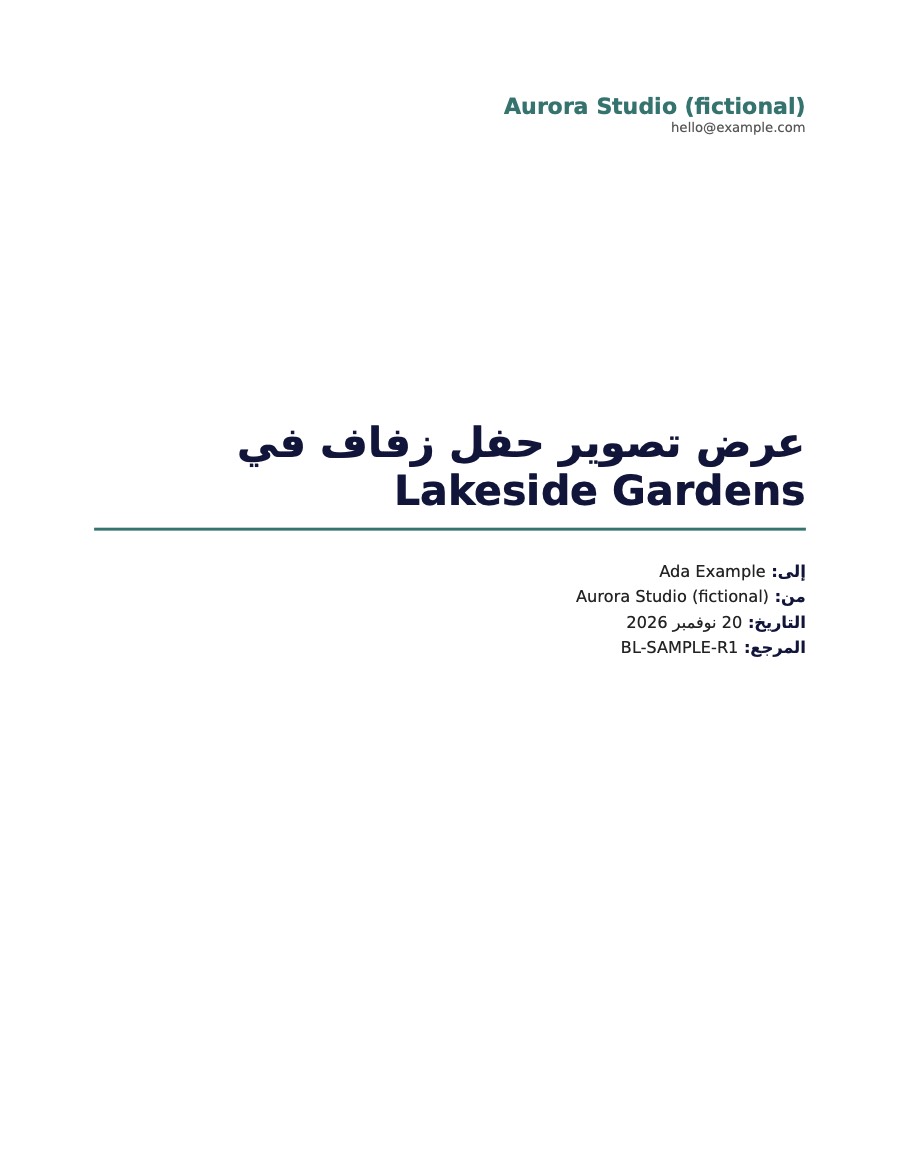
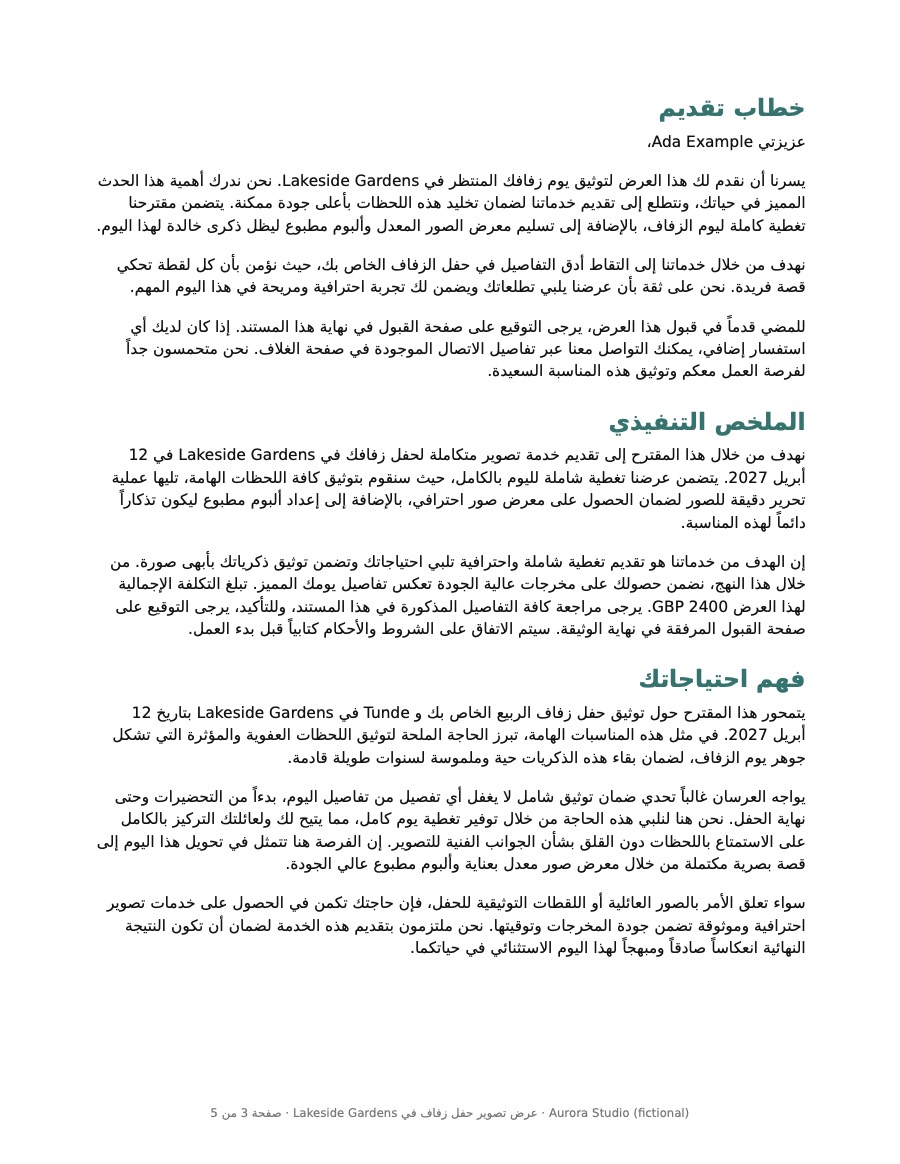
Quote for a full-day wedding shoot for Ada and Tunde at Lakeside Gardens on 12 April 2027. Edited gallery and a printed album. Budget GBP 2,400.
Writes in nine languages
English, Español, Português, Français, Deutsch, Bahasa Indonesia, 简体中文, العربية, Русский
Flip through a real proposal
See exactly what you’ll send
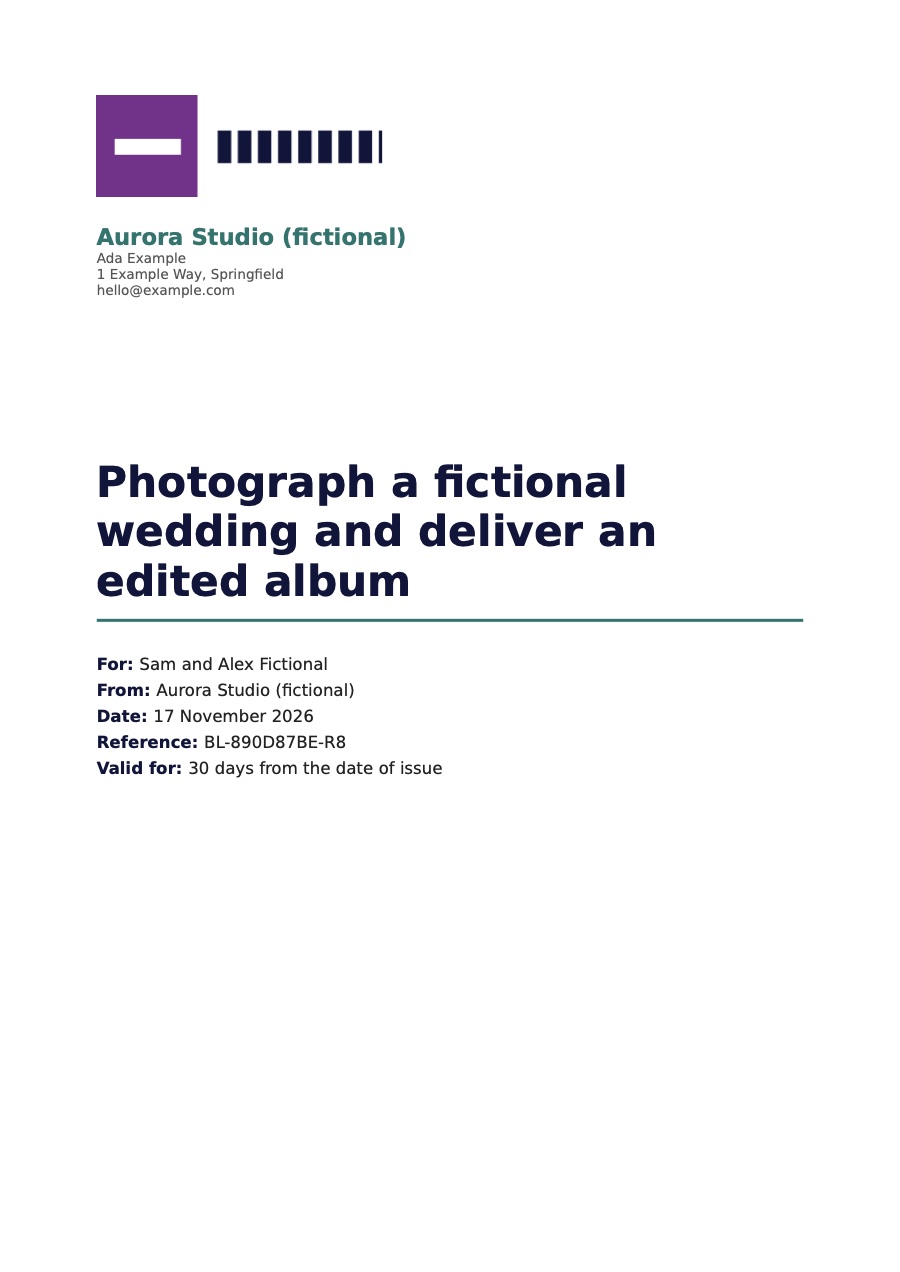
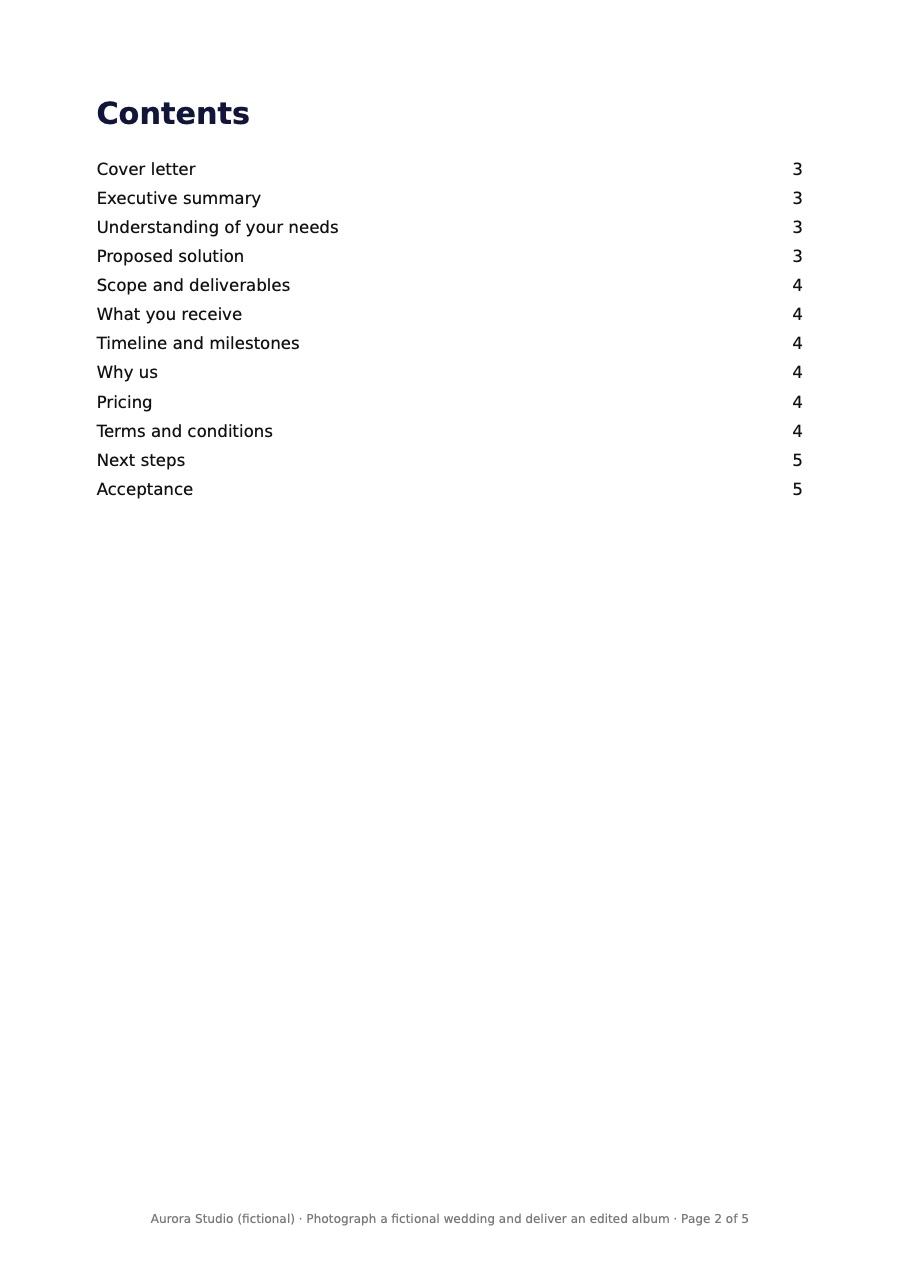
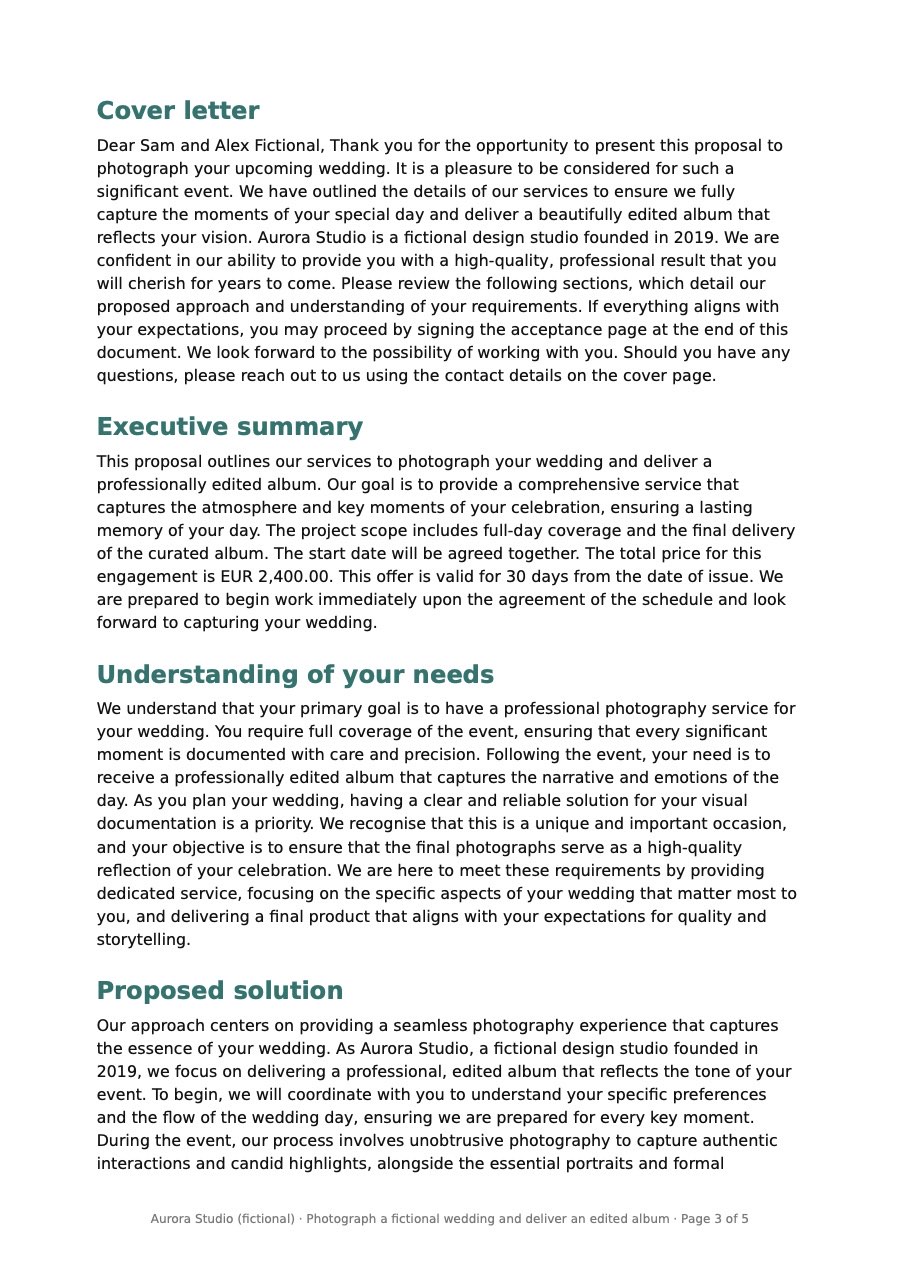
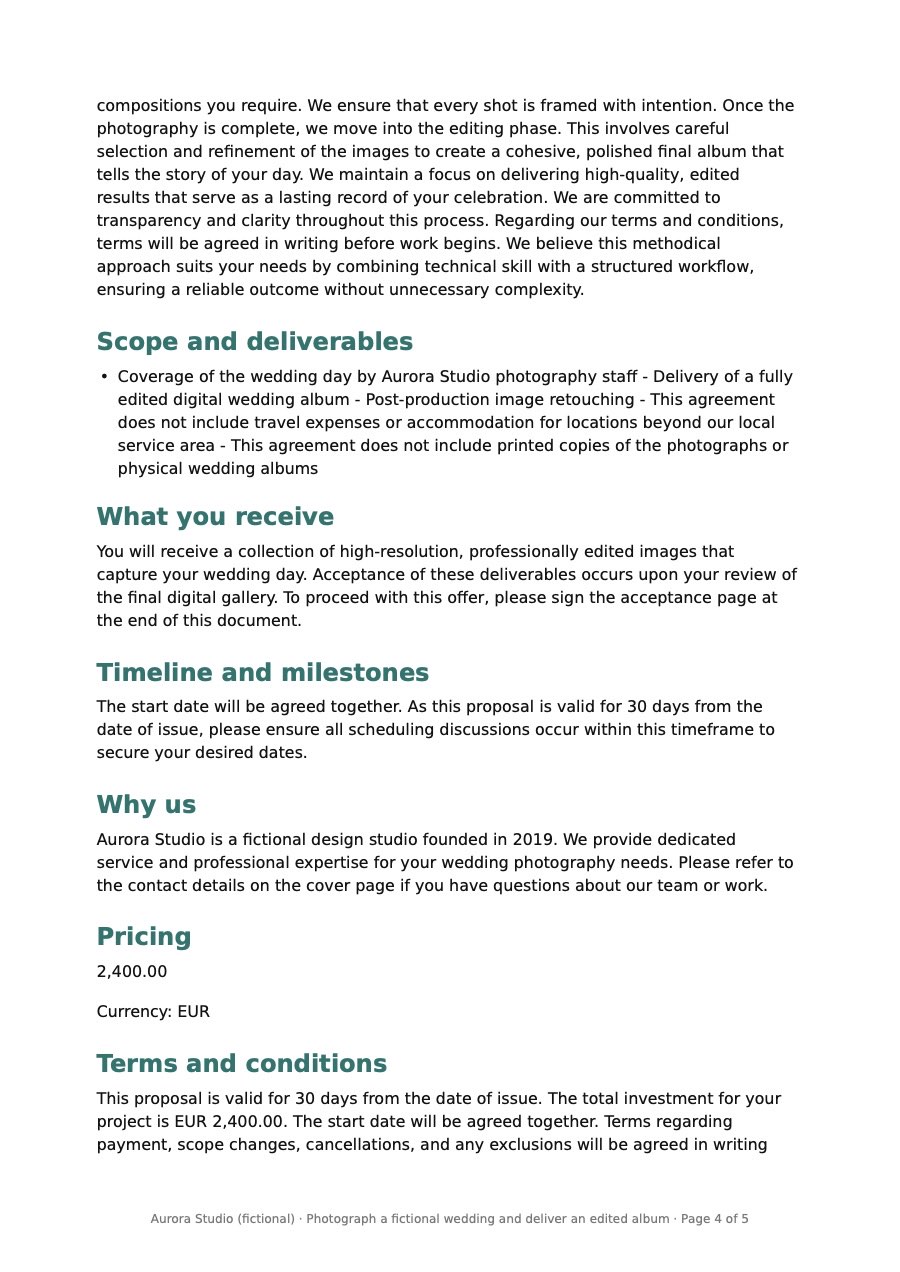
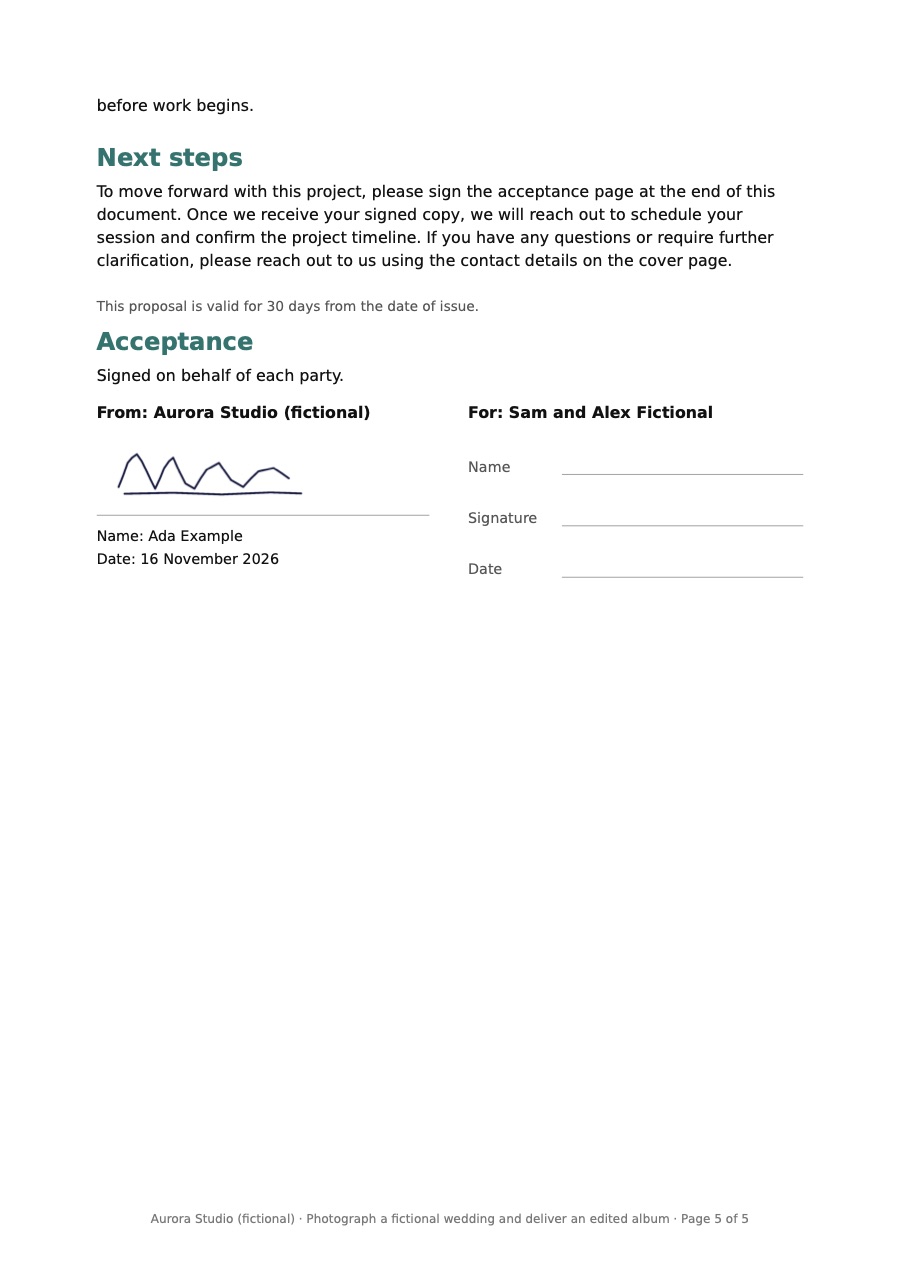
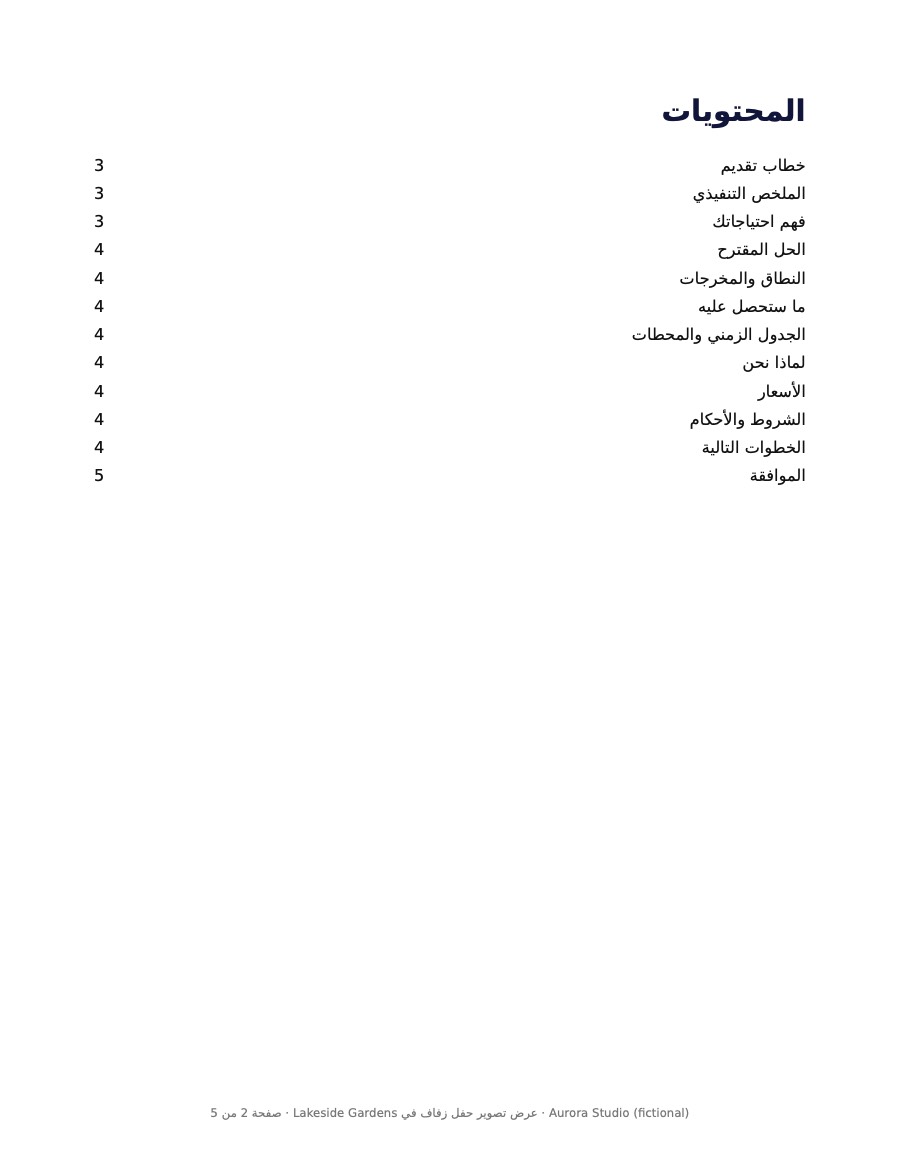
Real documents exported by BizLaunch OS for fictional clients. Use the arrows to page through the cover, contents, sections, pricing and signed acceptance page.
What you get
Everything a proposal needs, nothing made up
No template hunting, no blank page and no guessing which numbers the AI invented.
Facts only
It writes from what you tell it. A price, date or currency you didn’t give is flagged before anything reaches your proposal.
Delivery by 15 March, for a total of EUR 4,800.
⚑ “4,800” is not in your briefYour words stay yours
Every suggestion is yours to take or leave. Sections you edit or lock are never overwritten.
Exact money
Pricing tables total to the cent in any currency. A missing price is never counted as zero.
Signed with your brand
Your logo, colour and signature on a full document: cover, contents, pricing and an acceptance page.
How it works
From a few lines to a signed proposal
- 1
Tell it the job
Speak, type or upload the client’s brief. One sentence is enough to start.
brief.pdf - 2
Answer a few quick questions
Only who it’s for, the price and the dates. Skip anything you don’t know yet; it stays clearly marked.
Who is it for?Total price?Start date? - 3
Preview, sign and share
Check the whole document, sign it and share it as PDF or Word from your phone.
PDFWordText
Built for your proposal
The right outline for every kind of ask
Each type has its own structure. These are the real section headings the app uses.
- 01Cover letter
- 02Executive summary
- 03Understanding of your needs
- 04Proposed solution
- 05Scope and deliverables
- 06What you receive
- 07Timeline and milestones
- 08Why us
- 09Pricing
- 10Terms and conditions
- 11Next steps
- ✓Acceptance page with signatures
Private by default
Your files stay private
Uploads and exports are stored privately and only you can open them.
Delete everything
Remove your proposals, files and account from the app at any time.
Start without signing up
Write your first proposal straight away. Add an account later to use it on another phone.
FAQ
Questions you might have
Does the AI make things up?
It writes only from the facts you give it. Numbers, dates and currencies it wasn’t given are flagged, and nothing goes into your proposal until you choose to use it.
How is this different from asking a chatbot?
A chatbot gives you text in a chat window. BizLaunch OS starts from the right outline for your kind of proposal, keeps your edits, totals your pricing exactly and produces a finished, signed PDF or Word document.
Who sees my proposals?
Only you. Files are stored privately and you can delete everything from the app. See the privacy page.
Which languages and currencies does it support?
The app and your proposals can be in English, Spanish, Portuguese, French, German, Indonesian, Simplified Chinese, Arabic or Russian, with any currency.
Can my client sign online?
Not yet. They sign the acceptance page in the document you send.
How much does it cost, and when can I get it?
The iPhone and Android apps are being tested now. Prices and store links will appear on this page before launch.
Your next client is waiting for a proposal.
BizLaunch OS is coming soon to iPhone and Android.